
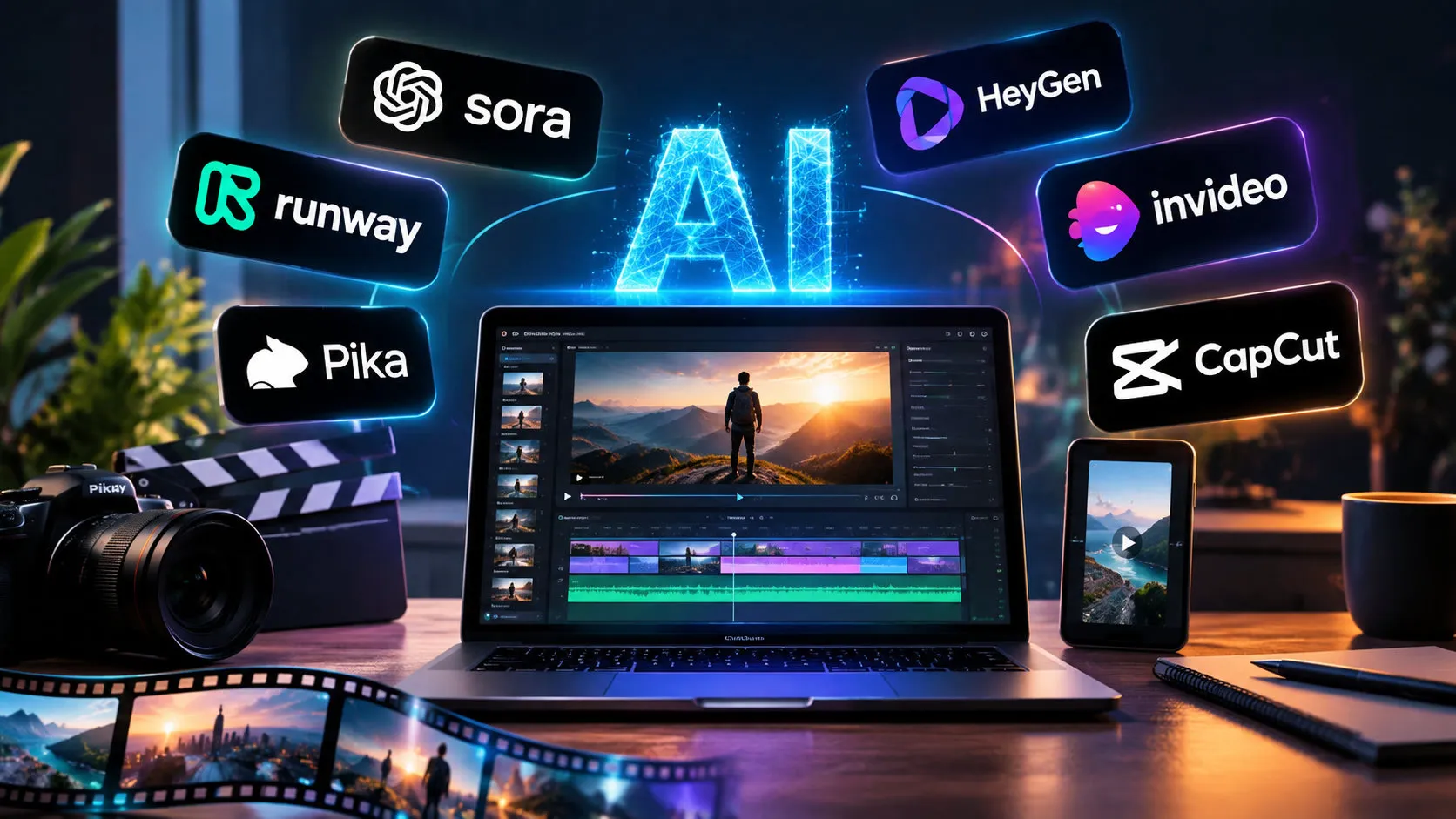
There is no single best AI video generator in 2026. The right tool depends on what you are making: a cinematic clip, a talking-head explainer, a Reel, or a polished ad. This guide groups the leading tools by use case so you can shortlist two or three quickly instead of testing twenty.
One change matters for anyone reading older lists. OpenAI announced on March 24, 2026 that it was shutting down Sora, its AI video app and API, as reported by Engadget. If a guide still recommends Sora, it is out of date.
If you are just starting out and want to experiment without paying, our list of free AI video generators with no restrictions is a good first stop.
Quick Picks: Best AI Video Generators by Use Case
| If you need… | Look at |
| Cinematic clips with built-in audio | Google Veo |
| Realistic motion and multi-shot scenes | Kling |
| Editing control and a creative workflow | Runway |
| Audio-video generation with many references | Seedance (ByteDance) |
| Animating still images | Luma |
| Talking avatars and training videos | HeyGen, Synthesia |
| Several models in one interface | Higgsfield |
Model versions and plans change often. Confirm features and pricing on each official site before you pay.
What Changed in AI Video in 2026
Three shifts affect your choice:
- Sora is gone. One report says the app went dark on April 26, 2026, with the API ending in September. The Associated Press coverage notes that Disney said it respected OpenAI’s decision to exit the video generation business. Creators who relied on Sora have had to move to other tools.
- Audio is now expected. Google’s Veo 3.1 generates video with natively synchronized audio, so silent clips are no longer the baseline.
- Tools are specializing. Cinematic generators, avatar platforms and workflow tools solve different problems, so comparing them head to head is rarely useful.
How These Tools Were Compared
This list is based on publicly available product information and published comparisons, not hands-on testing by our team. We looked at:
- Output type (text-to-video, image-to-video, avatars)
- Audio and lip-sync support
- Editing and control features
- Free access and credit limits
- Fit for specific jobs
The Best AI Video Generators by Use Case
Google Veo: Best for Cinematic Clips With Sound
Veo is Google’s video model, available through Gemini and the Flow filmmaking tool. Comparisons describe it as strong on prompt adherence and audio realism. Access to the newest model and higher resolution generally sits on paid Google AI plans, so check which tier unlocks what.
Best for: short cinematic scenes, ads, concept visuals.
Watch out for: credit limits can run out fast when you iterate.
Kling: Best for Realistic Motion
Kling, from Kuaishou, is often recommended for natural movement and multi-shot sequences. Some vendor comparisons place it near the top for motion realism, but those pages are not neutral, so run your own test with a prompt you care about.
Best for: action, people in motion, longer scenes.
Watch out for: queue times and credit costs vary by plan.
Runway: Best for Creative Control
Runway pairs generation with an editing workspace. Many professional teams use it when they want to adjust shots, not just generate them.
Best for: agencies, filmmakers, repeat production.
Watch out for: costs add up with heavy iteration.
Seedance: Best for Audio-Video Generation With References
ByteDance’s Seedance line focuses on unified audio-video output and mixed reference inputs such as images, clips and audio. It is a strong option if you need to keep characters or style consistent across shots.
Best for: consistent characters, reference-driven projects.
Luma: Best for Animating Images
Luma’s tools are popular for turning a still image into motion, which makes them useful for product shots and concept art.
Best for: image-to-video, quick concept animation.
HeyGen and Synthesia: Best for Avatar Videos
These are not cinematic generators. They create presenter-style videos from a script, with multilingual voices. Synthesia is commonly used for training and corporate content, while HeyGen is often chosen for marketing and localization.
Best for: explainers, training, product walkthroughs.
Watch out for: avatar videos can feel formal for entertainment content.
Higgsfield: Best for Trying Several Models in One Place
Higgsfield is a platform that brings video generation and camera-style effects into one interface. If you want to try it, follow our step-by-step guide on how to make a video on Higgsfield.
Best for: creators who want to test different looks and motion styles without juggling several accounts.
Free vs Paid AI Video Generators
Free tiers are good for testing. Expect watermarks, lower resolution, short clips or small credit pools. Paid plans usually remove watermarks and raise resolution and limits.
If you only want to experiment, start with our roundup of free AI video generators with no restrictions before spending money, then upgrade once you know which output type you actually need.
How to Choose the Right AI Video Generator
- Define the output. A talking presenter and a cinematic shot need different tools.
- Test one prompt across two or three tools. Same prompt, same length, then compare the results.
- Check licensing. Read each tool’s terms on commercial use before publishing client or ad work.
- Count the real cost. Estimate how many attempts one usable clip takes, not just the plan price.
- Plan for change. Sora’s exit shows tools can disappear. Keep your prompts and source files saved outside any single platform.
Common Mistakes to Avoid
- Choosing by a “best overall” label instead of by use case
- Judging a tool from one lucky demo clip
- Ignoring credit limits until they run out mid-project
- Using real people’s faces or public figures without permission, which is also what caused trouble for Sora
- Publishing without checking platform rules on AI disclosure
FAQs
What is the best AI video generator in 2026?
It depends on the job. Veo and Kling are common picks for realistic clips, Runway for editing control, and HeyGen or Synthesia for avatars.
Is Sora still available?
No. OpenAI discontinued the Sora consumer app and API, according to its own announcement as reported by Engadget.
Is there a good free AI video generator?
Several tools offer free tiers with limits. See our dedicated list of free AI video generators for details.
Can AI-generated video be used commercially?
Often yes on paid plans, but terms differ by tool. Always read the current license before using clips in ads or client work.
How long can AI-generated videos be?
Most tools generate short clips per prompt, and longer videos are built by stitching clips together. Limits vary by tool and plan.
Conclusion
Pick by use case, test with your own prompt, and avoid locking your workflow into a single platform. For a low-cost start, begin with free tiers, then upgrade when you know what you need. Not sure where to begin? Our Higgsfield tutorial is a practical first project.
Want to know more about who writes these guides? Visit our About Us page. If there is an AI video tool you would like us to cover, contact us or browse more guides on the TrendsVoice homepage.